Registration URL
Share your study's own link and it opens the app at your registration page

Participant Management
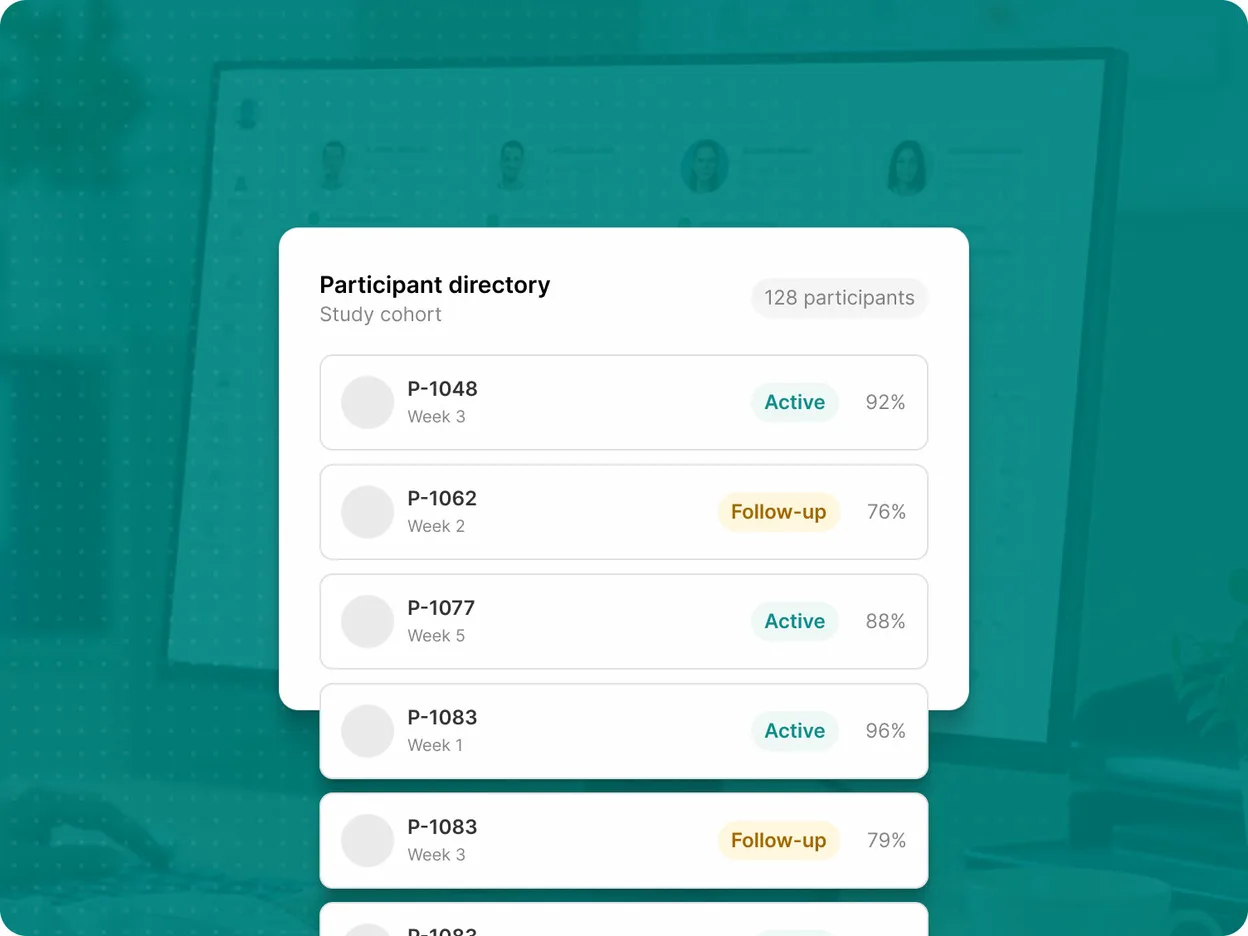
Enroll participants from the app or the web, set each participant's participation period, and manage labels, devices, sites, and engagement from the Avicenna Researcher Dashboard.
Participants join from the Avicenna app on Android or iOS, or from Avicenna for the web, and the app opens on a welcome screen that belongs to your study. Where a study screens, an Eligibility Survey runs before the consent materials and enrollment completes once consent is given.
Share your study's own link and it opens the app at your registration page
The same route from a scanned code, with no URL to type
Participants enter your study's code in the app and land in the same place
An enrollment type governs who is allowed to register, and you can change it as recruitment moves on.
Anyone holding the registration code, URL, or QR code can join
Only the people you have invited by email can join
No new enrollments, while everyone already in the study carries on
Invite Participant takes up to a hundred people at a time, and the Pending Invitations tab tracks what you have sent so you can resend or withdraw an invitation.
Enter addresses directly, with first name, last name, label, and language where you have them
Upload a file with an email column and the same optional fields
Set a future start time in the participant's own time zone and choose whether an email goes out
Avicenna collects no data outside a participation period. Each one is calculated at enrollment from the study's start time, end time, and duration, and from there it belongs to the participant rather than to the study.
Start on joining or on a set date, and run indefinitely or to a date that also closes enrollment
Adjust the start and end time for one participant or for a selection
Activity sessions move with the new period, and collected sensor data is never deleted
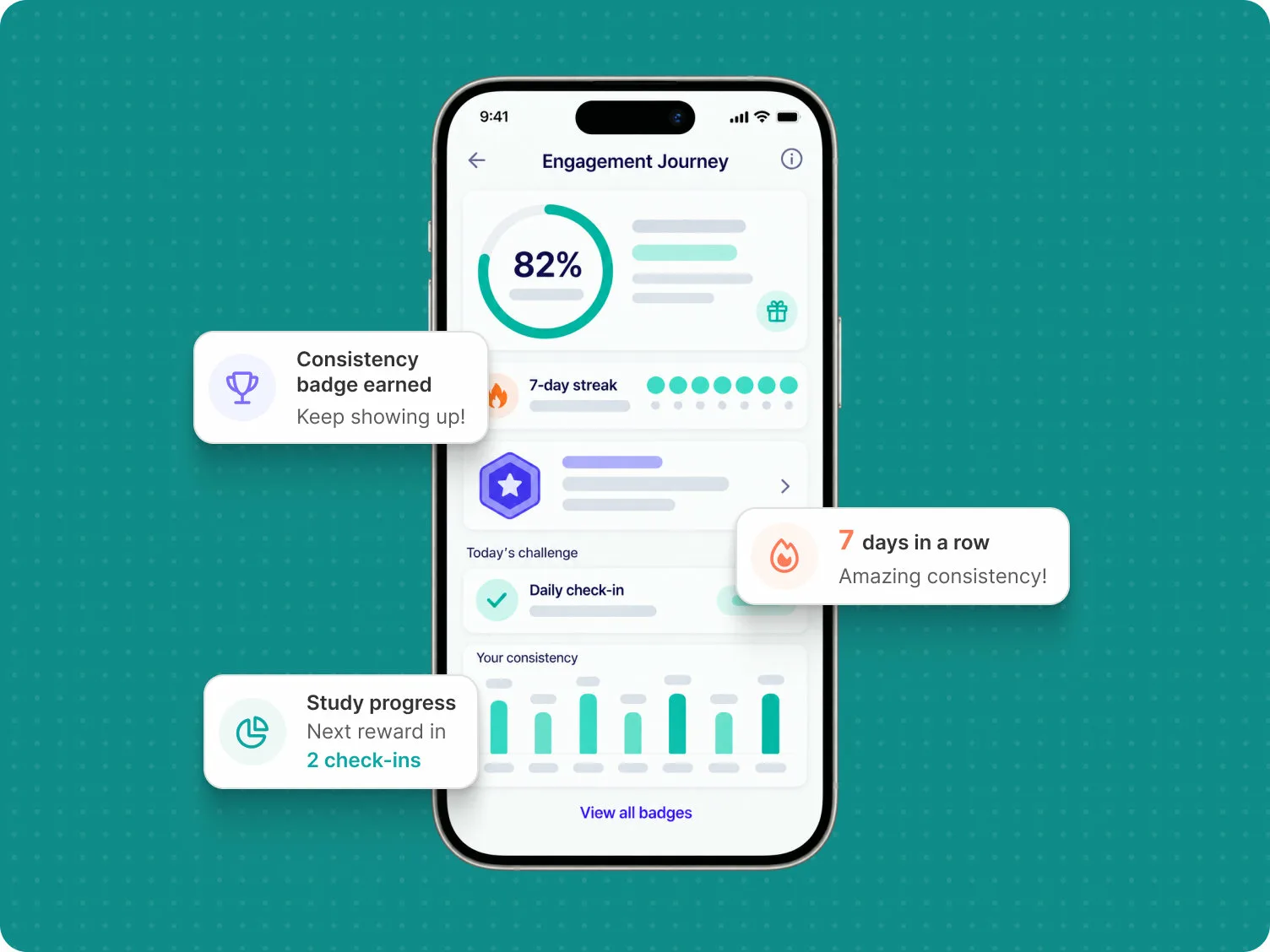
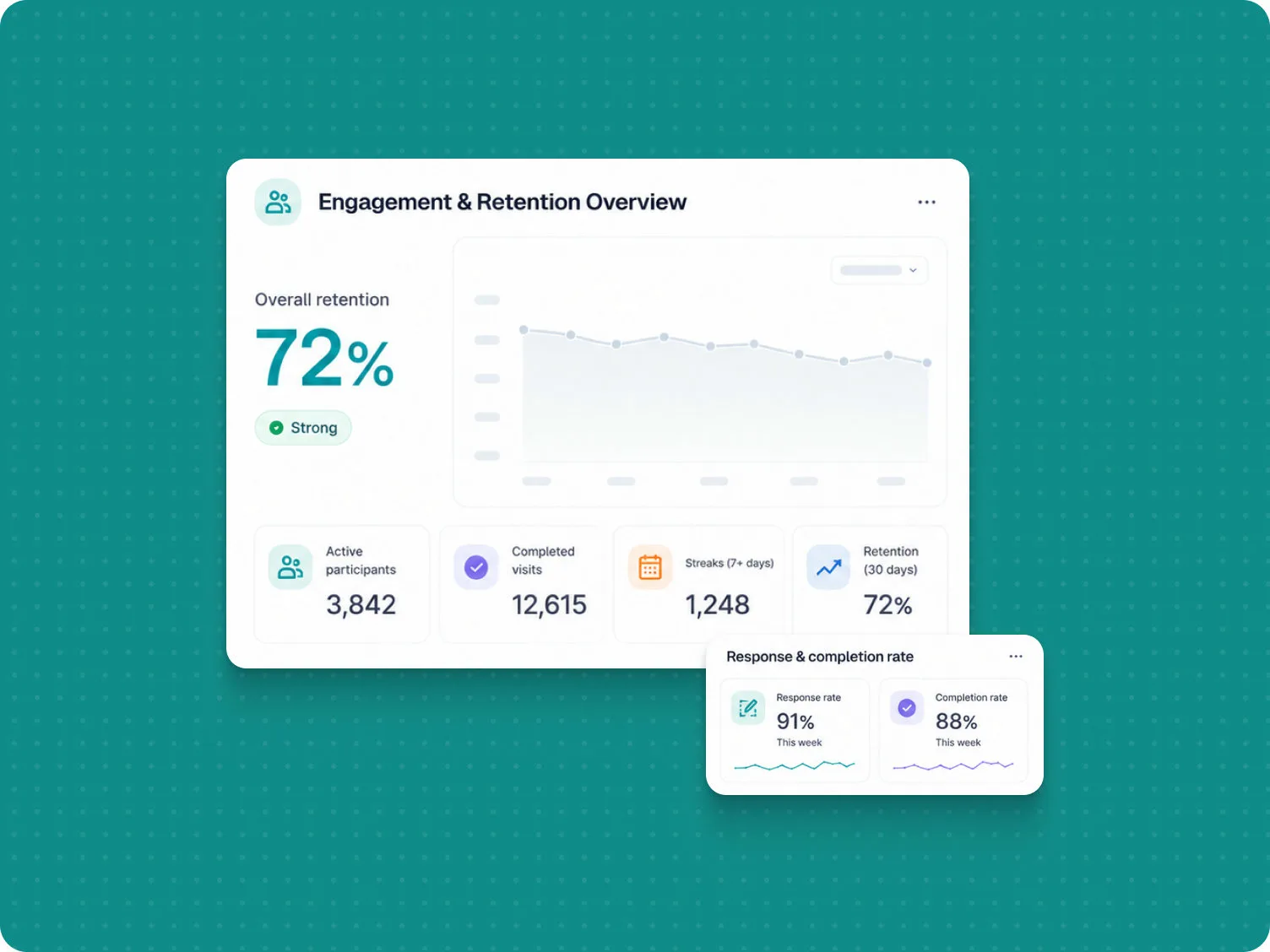
Achievements reward the activities that matter most to your protocol, and the engagement a study earns is visible across the whole participation period.
Every participant sees the study in the language their app is in, through whichever channel they have verified.
Consent materials, survey questions, and notifications in each of the study's languages
Push, email, and SMS, each one verified and switched on by the participant
Every action on the Participation page works on a single participant or on a selection, and the ones that remove data say so before they run.
Take the Next Step
Design, launch, and monitor your research with flexible tools, reliable data collection, and support at every stage.