Participants
Select the participants whose data you want to export.

Data Export & APIs
Access and export your study data, connect it to external tools, and work with it through APIs and other data access options.
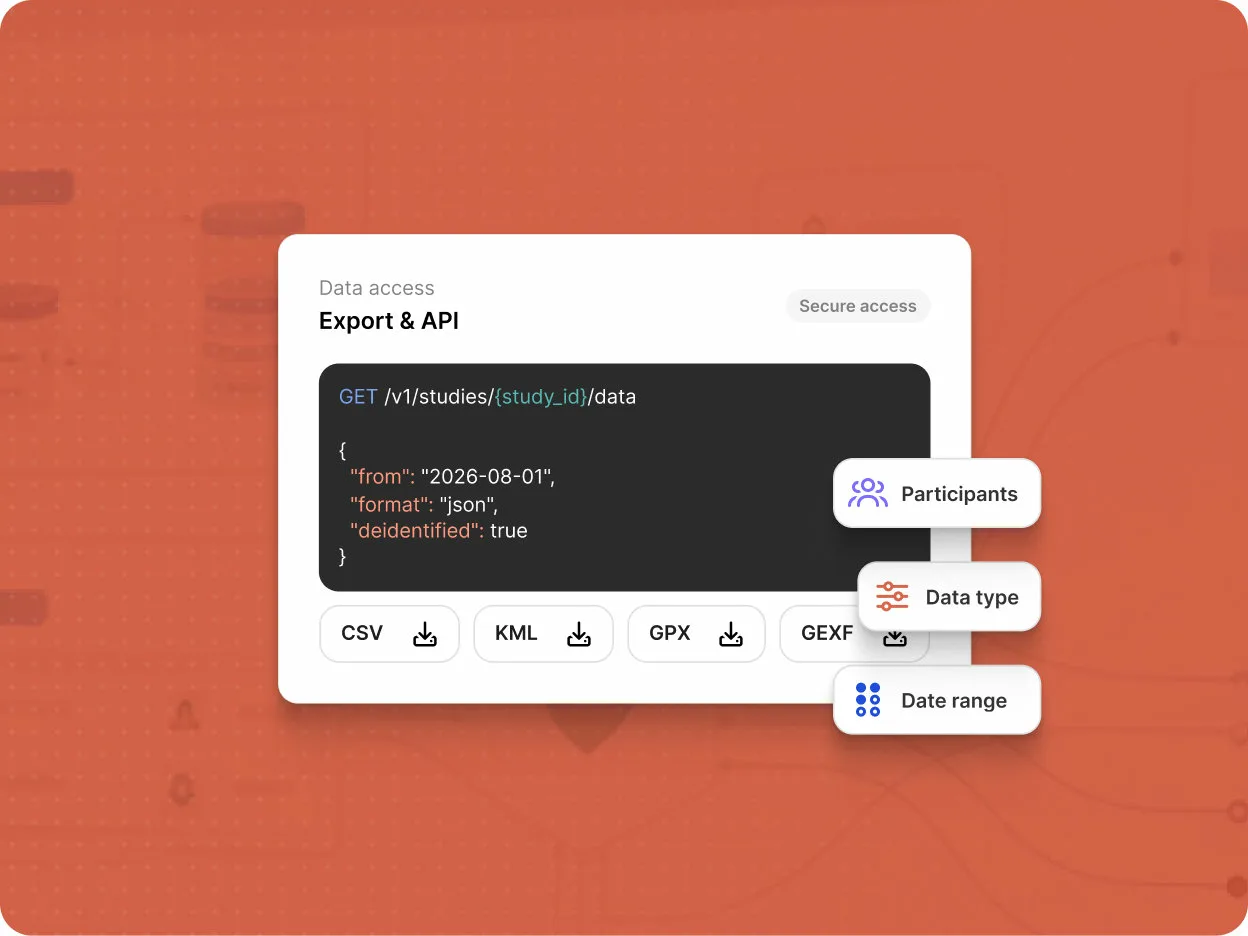
Select the data you need and export it directly from the Data Export page in the Researcher Dashboard.
Select the participants whose data you want to export.
Choose the type of data to export.
Choose the time range for the data you want to export.
Export data from data sources and activity responses in CSV format.
Export GPS data in KML format.
Export GPS data in GPX format.
Export contact network data in GEXF format.
Query and visualize your study data directly through Avicenna's Kibana integration, without exporting it first.
Filter and explore your study data directly
Create charts, maps, and dashboards from your study data
Take the Next Step
Design, launch, and monitor your research with flexible tools, reliable data collection, and support at every stage.